



Download
Get the Yulu app from the Google Play Store or Apple App Store
Sign Up
Enter your phone number and verify with an OTP.
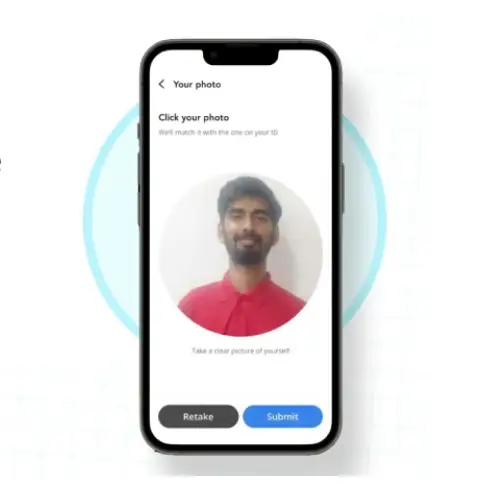
KYC
Complete a quick digital verification (Aadhaar/PAN) to ensure you meet the minimum age of 16.
Deposit
Pay a small, refundable security deposit.
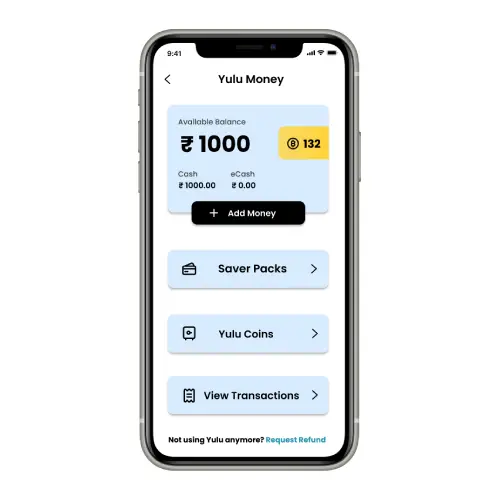
Yulu Money
Add credits to your in-app wallet via UPI, Credit/Debit Card, or Net Banking.
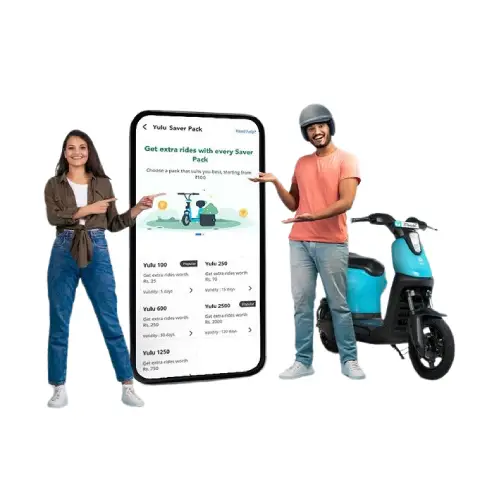
Saver Packs
Planning to ride daily? Check out our Saver Packs in the menu to get extra ride credits and heavy discounts.
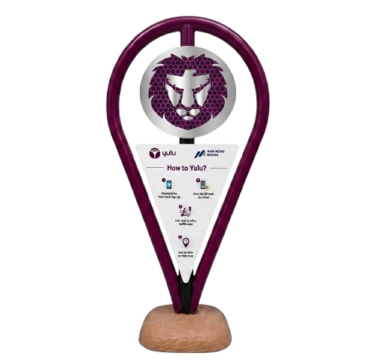
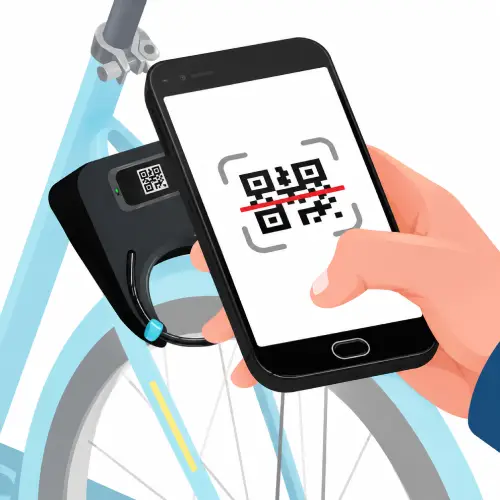
Scan
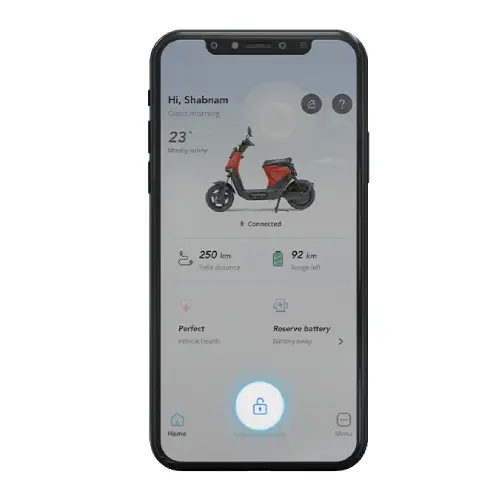
Stand next to the bike and tap the 'Unlock' button in the app to scan the QR code on the handlebar.
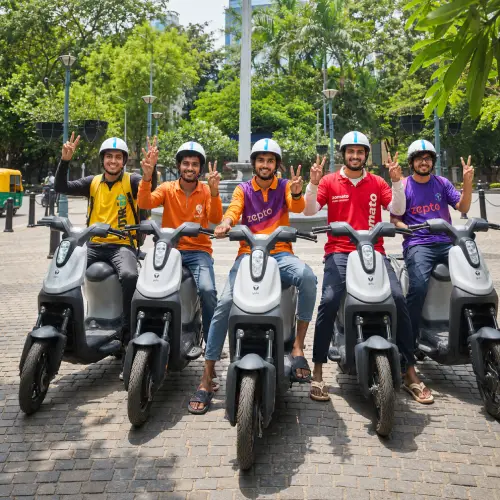
Ride
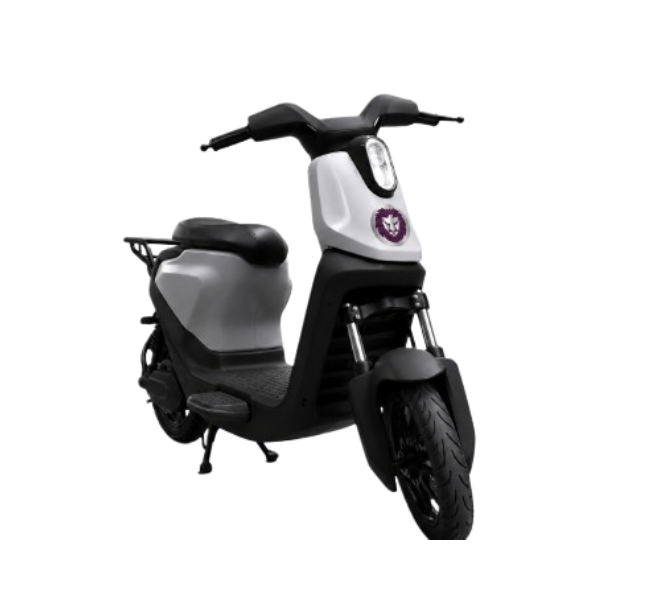
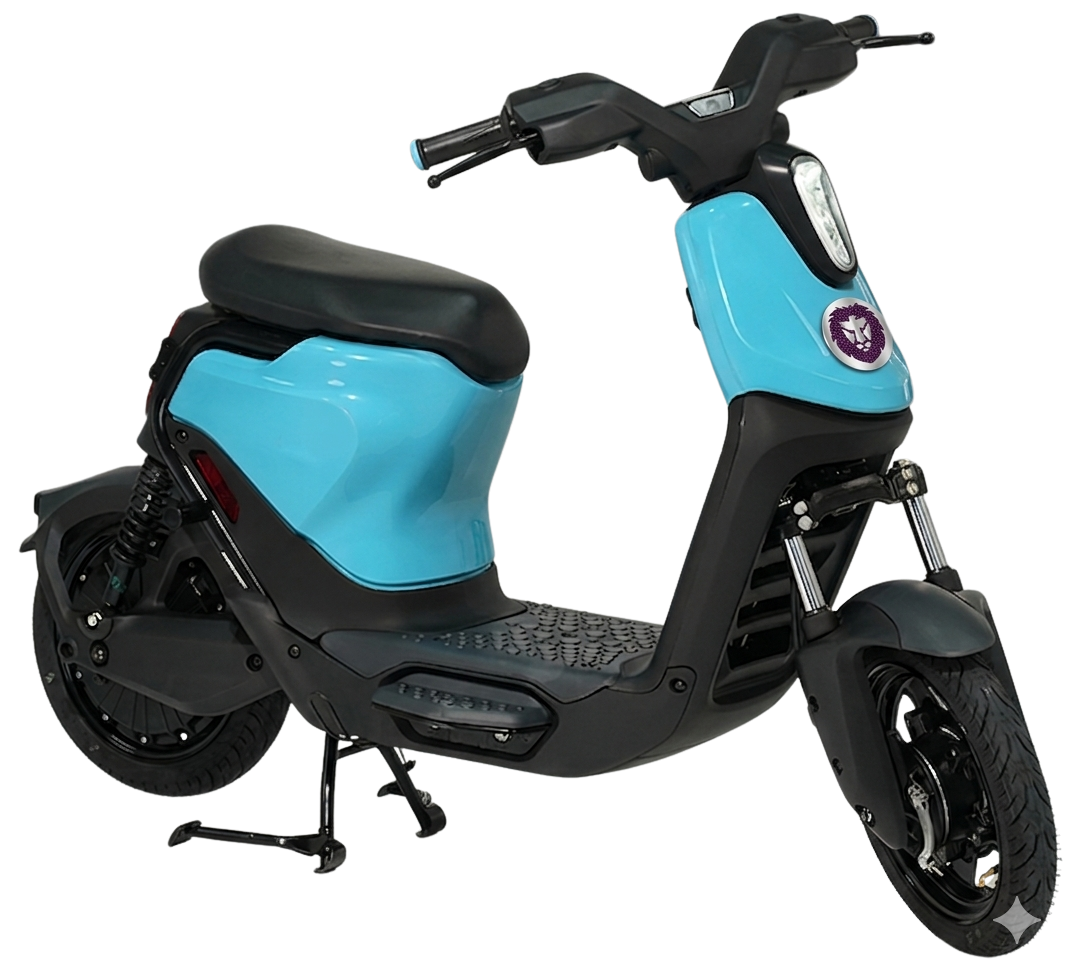
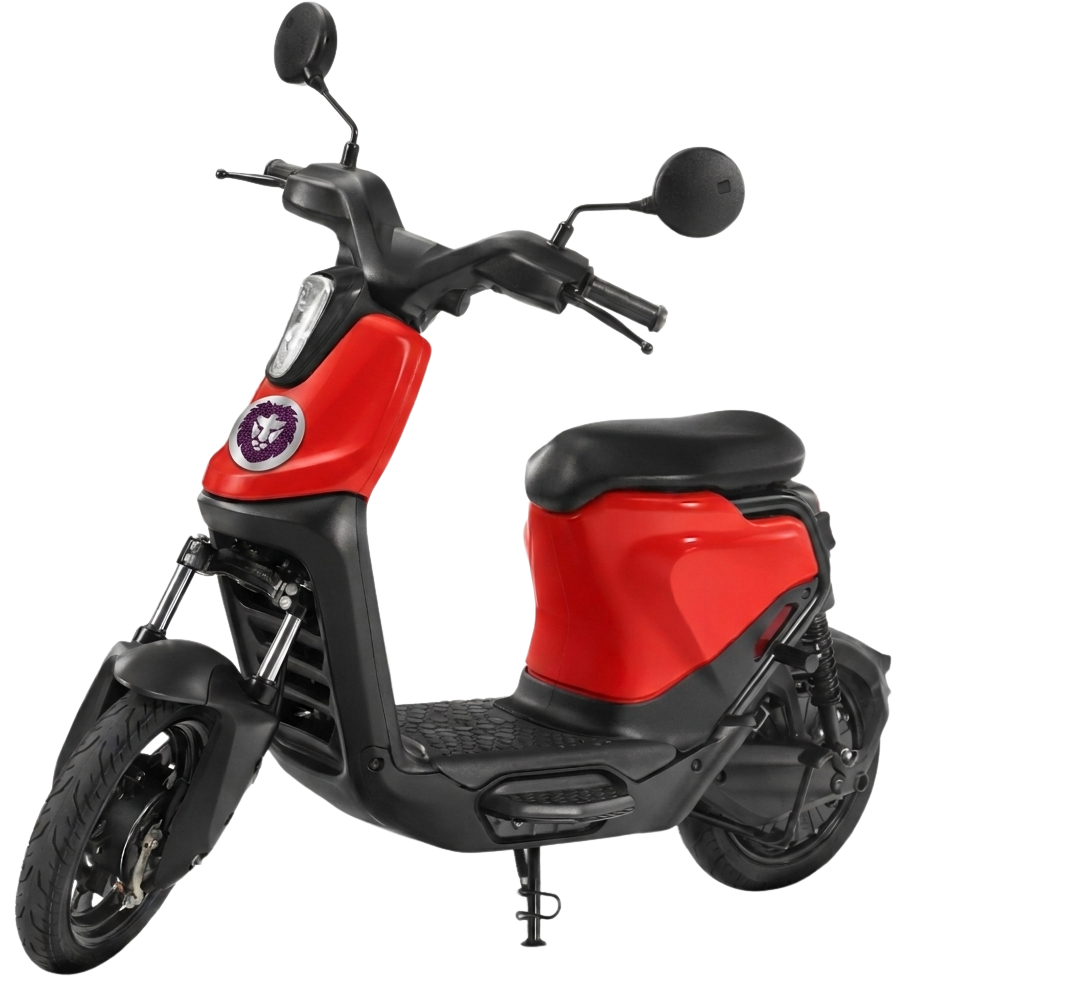
Put on your helmet, retract the stand, and you're ready to glide.
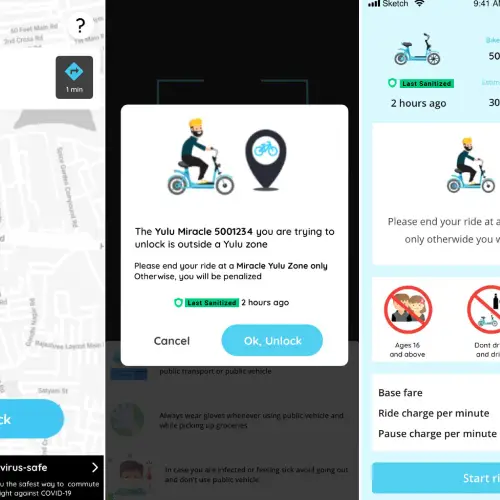
Lock and Unlock
Need to stop for a coffee? Tap 'Pause' in the app to lock the bike temporarily while keeping the ride active at a reduced rate.
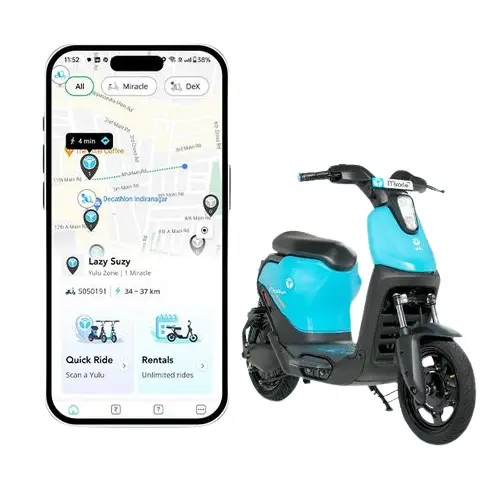
Park
Locate a Yulu Zone on your map and park the bike neatly within the yellow markings.
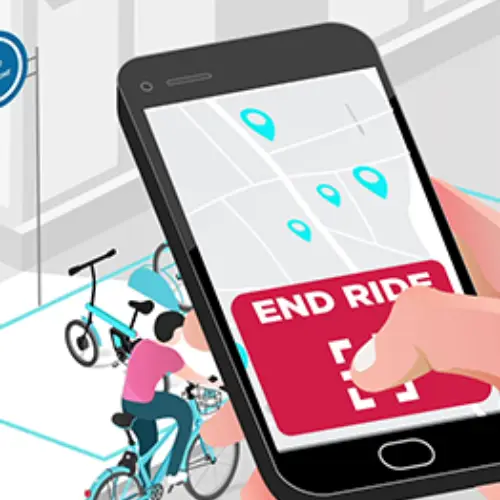
Finish
Tap 'End Ride' on the app.
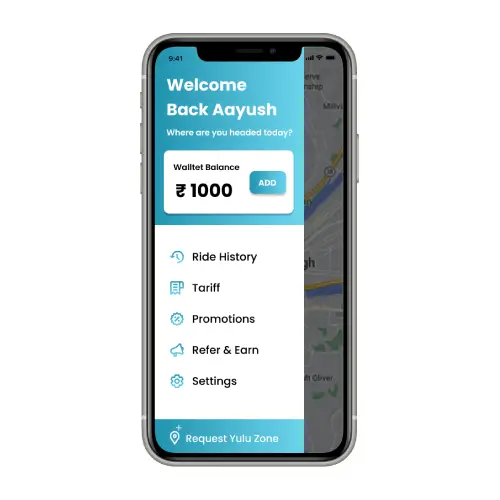
Check Out
Ensure the ride summary appears on your screen to confirm the bike is locked and your session is closed.