



Never Stop Moving
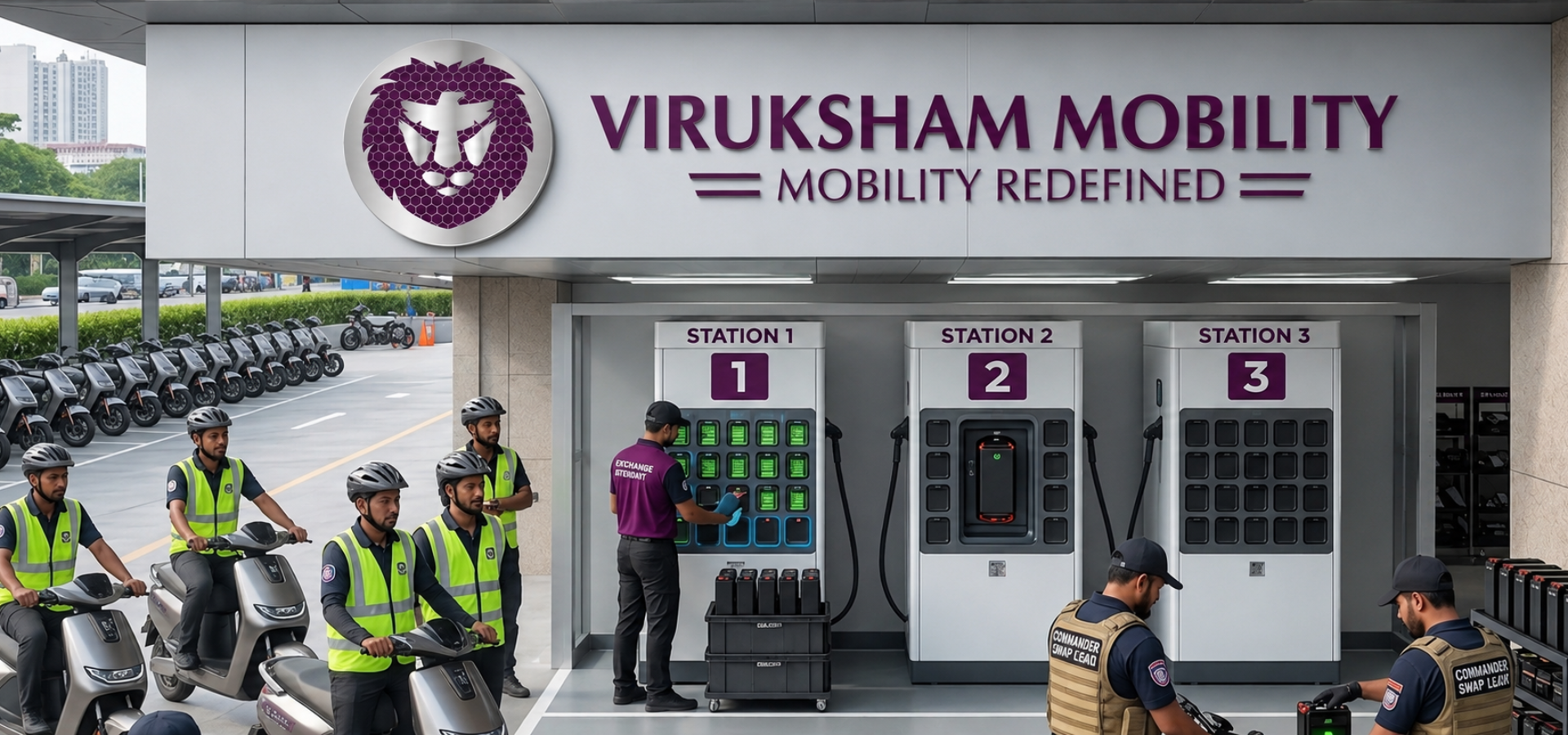
How to Swap Your Battery at Yuma Stations
Never Stop Moving
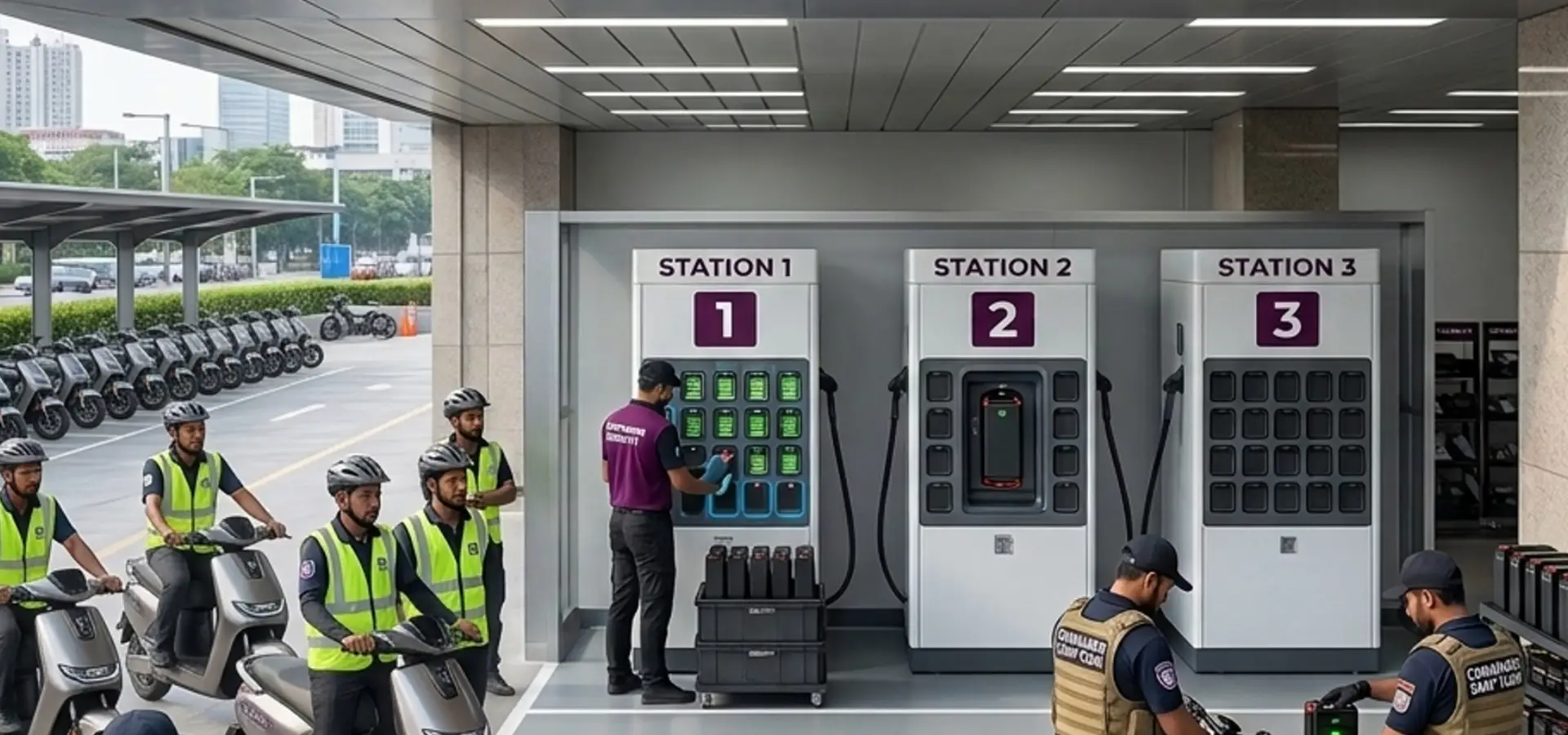
How to Swap Your Battery at Yuma Stations
EV Charging Hub Near You
Power up your electric vehicle with our fast, reliable, and smart charging solutions. Locate nearby EV charging hubs for quick and convenient charging anytime, anywhere. Designed for modern mobility with safe and efficient charging support.
Running low on charge? Don't wait for a plug.
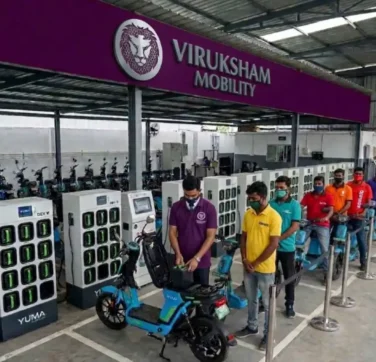
With our strategic partnership with Yuma Energy (Ymax), you can “refuel” your Yulu in less than a minute. Our battery-swapping network is designed to keep you on the move, whether you’re a daily commuter or a high-performance delivery partner.
Swap Battery
Why Swap at Yuma?
Detailed
How to Swap in 3 Easy Steps
Locate a Station
Open your Yulu or Yuma App to find the nearest swapping station. The map will show you exactly how many charged batteries are available in real-time.
• Pro Tip: Use the "Get a Token" feature to reserve your battery before you arrive!
• Pro Tip: Use the "Get a Token" feature to reserve your battery before you arrive!
Scan & Authenticate
Once you arrive at the Yuma station:
• Approach the smart kiosk or the Yuma Commander (station executive).
• Scan the station’s QR code using your app.
• Follow the on-screen instructions to release a fresh battery.
• Approach the smart kiosk or the Yuma Commander (station executive).
• Scan the station’s QR code using your app.
• Follow the on-screen instructions to release a fresh battery.
Swap & Go
• Open your bike’s battery compartment and remove the depleted battery.
• Insert the depleted battery into the empty slot in the kiosk.
• Take the fully charged battery and slide it into your Yulu.
• Close the compartment, wait for the app to sync, and you're back on the road!
• Insert the depleted battery into the empty slot in the kiosk.
• Take the fully charged battery and slide it into your Yulu.
• Close the compartment, wait for the app to sync, and you're back on the road!
Ready to drive into the future?